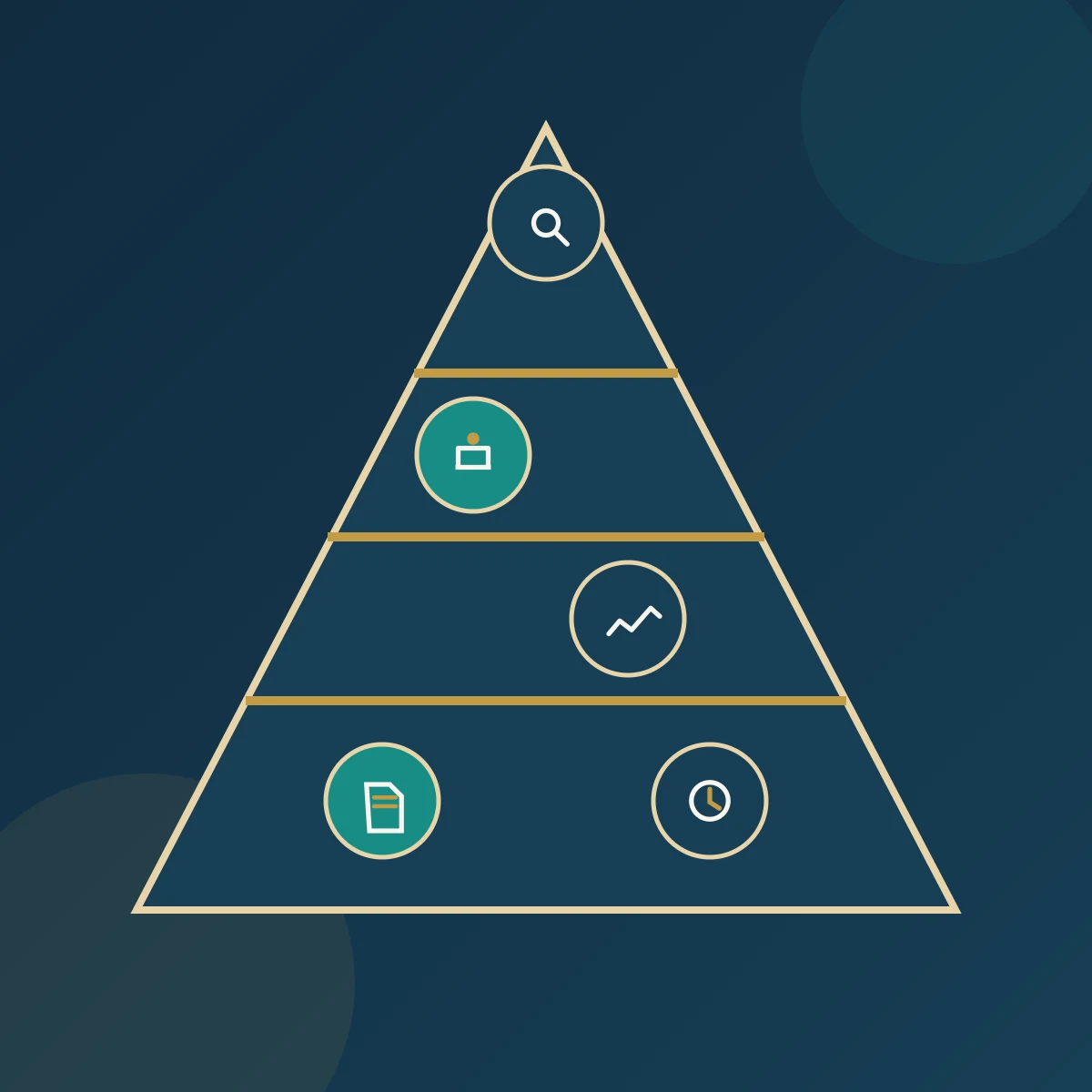
If the employee who knows how the work is done is absent, can a colleague complete it without guessing? That is where business process documentation earns its value. Good documentation explains the task, the decision owner and the evidence required. This article shows how to choose maps, procedures and work instructions, then connect them to useful forms without creating a system nobody can maintain.
Start with the work that needs clarification
A process is a set of related activities that turns inputs into results. A purchasing process might begin with an approved request and end with accepted goods and a settled transaction. It can cross several departments. Describing purchasing alone misses what it receives from the requester and what it passes to the warehouse and finance team.
Before writing, identify the problem. Are incomplete requests repeatedly returned? Do employees disagree about approval authority? Is receipt evidence difficult to find? Choose a scope that addresses a specific need and identify the intended user. A new employee needs different explanations from an expert checking a decision point. Understand the intended use before choosing a document format.

The map shows the route; the description sets its boundaries
A process map shows activities, decisions and handoffs between participants. Begin with a simple drawing the team can explain, then add the detail needed to remove ambiguity. When the question is who hands work to whom, a map divided into role-based lanes is more useful than a list of activities without responsibilities.
A short process description can accompany the map. It identifies purpose, start and end points, ownership, inputs, outputs, and important controls and measures. It need not be a separate file; both can sit on the same page. APQC’s guidance supports defining scope, gathering practitioners’ knowledge and identifying inputs, outputs and roles before detailing the map.
The procedure explains responsibilities, decisions and exceptions
A procedure explains the agreed way of carrying out the work. An organization may call it a Standard Operating Procedure (SOP). Different labels do not justify two documents with the same content. Users need to know what to do, who approves it, the conditions for moving forward and what happens when those conditions are not met.
Compare “requests are reviewed appropriately” with “the purchasing coordinator checks the item, quantity and required date, then returns incomplete requests with the missing information identified.” The second statement can be followed and checked. Include a route for exceptions such as urgent requests or an absent approver. Avoid leaving these to an instruction to “act as necessary” without naming the decision authority.
Work instructions explain tasks that need precision
A work instruction explains how to perform a particular task, such as entering a request into a system or inspecting goods on receipt. Add detail when the risk of error, task complexity or user need justifies it. The instruction might be an illustrated page, checklist or short video, provided the approved version is identifiable and accessible where the task is performed.
For request entry, explain mandatory fields, data sources, how to attach approval and the confirmation that submission succeeded. Avoid copying these details into every procedure that uses the system. Link to the approved instruction to reduce conflicting copies. When the screen changes, test the instruction again. An outdated picture of a missing button can be more confusing than a short, accurate explanation.
Forms collect information; records preserve evidence
A form specifies the information to be entered. Once completed and retained as evidence of an activity or result, it becomes a record. Not every record is a completed form: transaction logs, inspection reports and saved approvals can also provide evidence. The important question is whether people can trace what happened, who performed it and when, using readable and reliable information.
Begin with the decision the data will support. For each field, ask who will use it and why. Avoid collecting the same information twice when an accessible system already holds it. Define who completes and checks the record, where it is stored and who may access it. Set retention periods from applicable requirements and operational needs; do not assume one period suits every record.
Hypothetical example: document a purchase request without duplication
Suppose a small company repeatedly returns purchase requests because specifications are missing. This is an illustrative example, not a client case. The team maps the route from submission to closure and discovers that each participant assumes someone else checked the specifications. The gap is unclear responsibility, rather than an insufficient number of documents.
The team prepares a short map and adds a procedure identifying who checks completeness and who approves the purchase. Work instructions cover only request entry in the system. The form captures the item, quantity, specifications, required date and approval reference. The approved request and receipt evidence become records linked by the same transaction number. The map and procedure can share one document, with links to the instruction and form.
To test clarity, give a qualified employee one complete request and one incomplete request, then ask them to follow both routes. If they must ask the writer who makes the decision, the document needs correction. If they follow the instructions and reach the wrong result, examine the design before assuming that the employee failed to comply.
Test usefulness, then control updates
Approval does not prove usability. Observe real cases and examine handoffs, exceptions and how easily users find the correct version. Select a measure that addresses the original problem, such as the proportion of requests returned for missing information. Define its numerator, denominator and measurement period, and distinguish these returns from rejections for other reasons.
In a hypothetical calculation, 12 returned requests out of 100 give a rate of 12%. If this becomes 5 out of 100 in a comparable period, the decrease is 7 percentage points, not 7%. The difference alone does not prove documentation caused the improvement: request complexity, training or screening methods may have changed. Use results alongside operational observations to decide what needs improvement.
Assign a content owner, version number and effective date, with a method for review, approval and communicating changes. Remove obsolete copies from points of use while preserving those needed for archiving and traceability. Treat a system change, changed responsibilities or recurring errors as triggers for review. Do not wait for a scheduled date while employees continue using instructions that no longer fit the work.
Does every document type need its own file?
No. ISO 10013:2021 provides guidance on developing and maintaining documented information suited to organizational needs. The ISO committee’s release note explains that it does not prescribe a particular document hierarchy. Combine content where this helps users. Separate it when ownership, audience or frequency of change differs. Check any sector-specific or contractual requirements before removing a required document.
You also do not need specialist software to begin. Existing tools may be sufficient if they support controlled access, version management, search and retrieval. Software becomes useful when it solves a real problem, such as conflicting copies or difficult approvals. Process owners remain responsible for the accuracy of the content.
Begin with one process you can follow from end to end
Select a process with recurring questions or errors. Bring its practitioners together, trace a transaction from beginning to end and write the minimum sufficient instructions and controls. Test them with users, approve them and assign responsibility for updates. Documentation succeeds when the right person can perform the work, make the decision and retrieve the evidence without guessing.